Open the official access link
Tap the download button anywhere on this site. It opens the official Y1 Game access page — the only distribution point we operate. Never install a Y1 Game file forwarded to you privately or hosted on a mirror site.

Preparing access
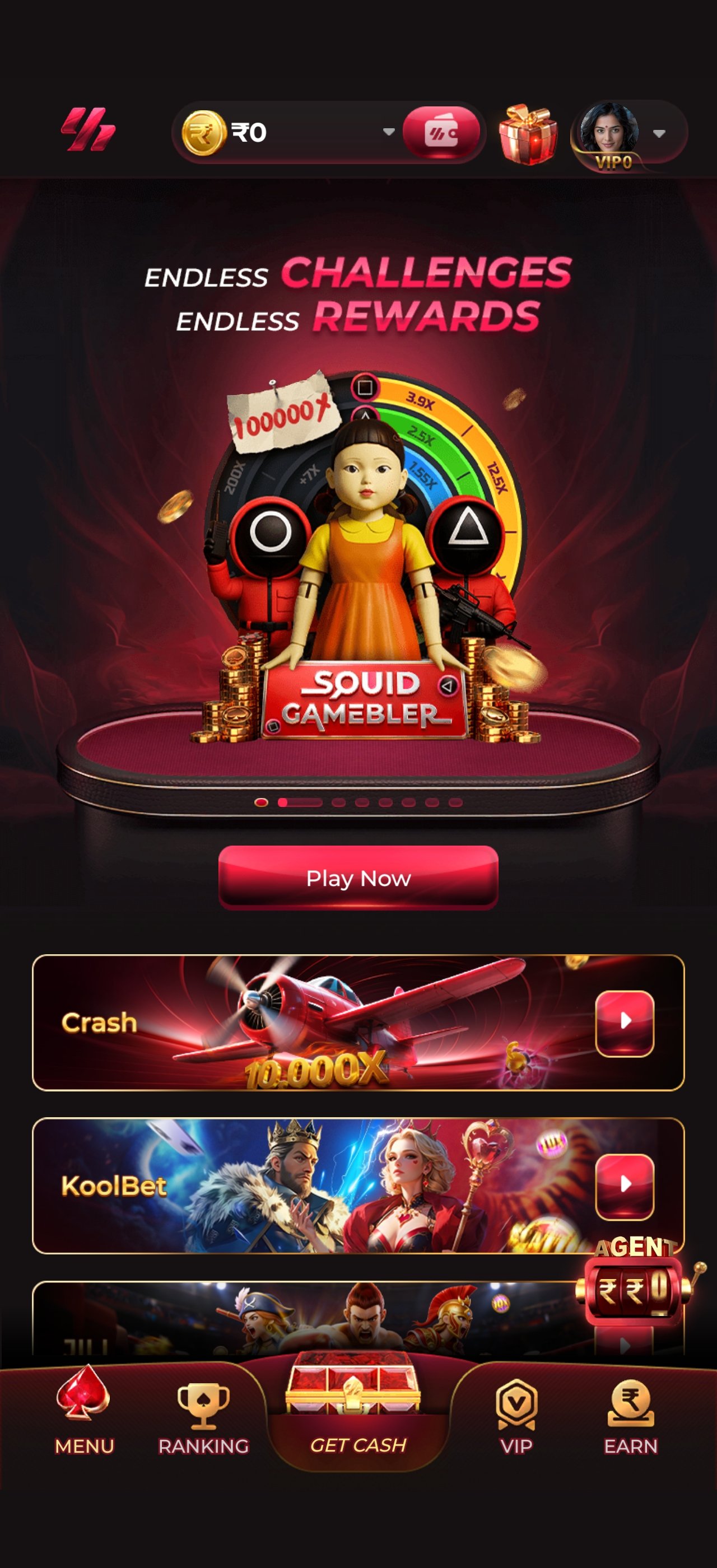
One app, 105 games, every room in the vault. Around 90 MB installed, built for mid-range Android handsets as well as flagships, with a browser client for iOS and desktop. Install takes under a minute.
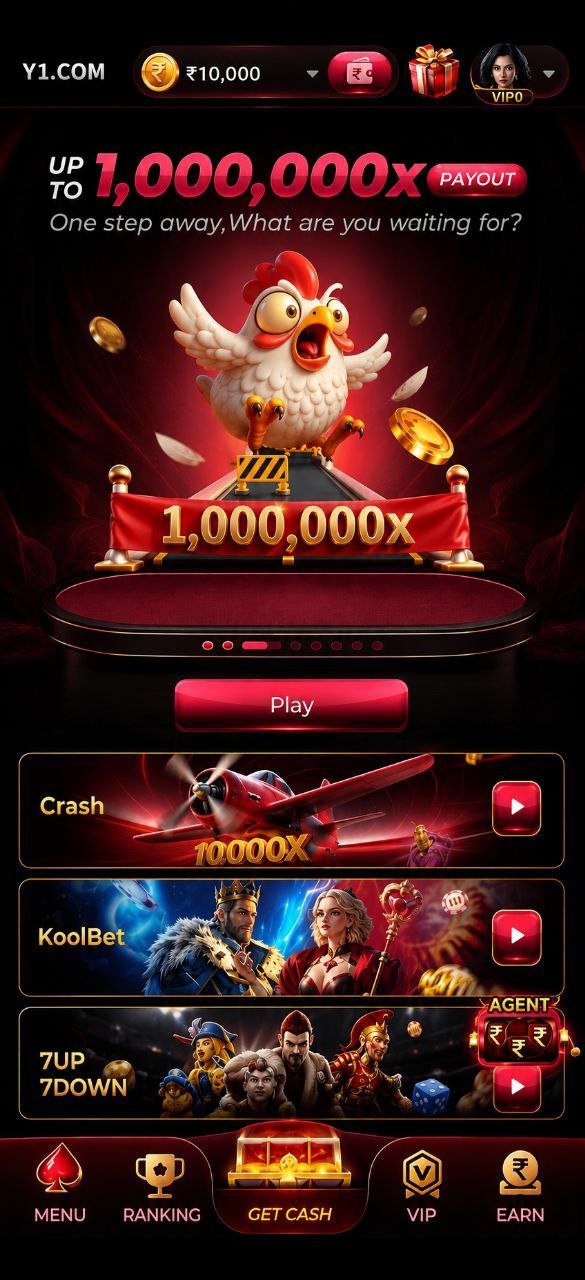
Follow these in order. If any step behaves differently on your device, the VIP support desk on Telegram will walk you through it live.
Tap the download button anywhere on this site. It opens the official Y1 Game access page — the only distribution point we operate. Never install a Y1 Game file forwarded to you privately or hosted on a mirror site.
On Android, the system may ask permission to install from your browser — that prompt is normal for apps distributed outside the Play Store. Allow it once, confirm the install and the Y1 icon appears on your home screen. On iOS, choose Share → Add to Home Screen in Safari to get the same experience without an App Store download.
Enter your mobile number, confirm the one-time password and set a password you do not reuse anywhere else. Enter your name exactly as it appears on the ID you will use for withdrawal verification — mismatched names are the single most common cause of payout delays.
Add funds with UPI, net banking, card or a supported wallet. The 100% welcome match credits automatically — no promo code to enter and no ticket to raise. The whole floor opens the moment the deposit clears.
Y1 Game is built mobile-first and tested on the handsets Indian members actually use — not just this year's flagships.
Android 7.0 and above. Direct install from the official access page. Around 90 MB, with game assets streamed on demand.
iOS 13 and above through Safari. Add to Home Screen gives you a full-screen client with every game and the same wallet.
Any modern browser on Windows, macOS or Linux. Nothing to install — log in and the live tables open in the same session.
4G is enough for live dealer streams. The client drops video quality automatically rather than dropping your seat at the table.
The client ships with the lobby and wallet only — every game loads on demand and is cached after first play. That keeps the install light and means a new room appearing in the vault does not require an update.
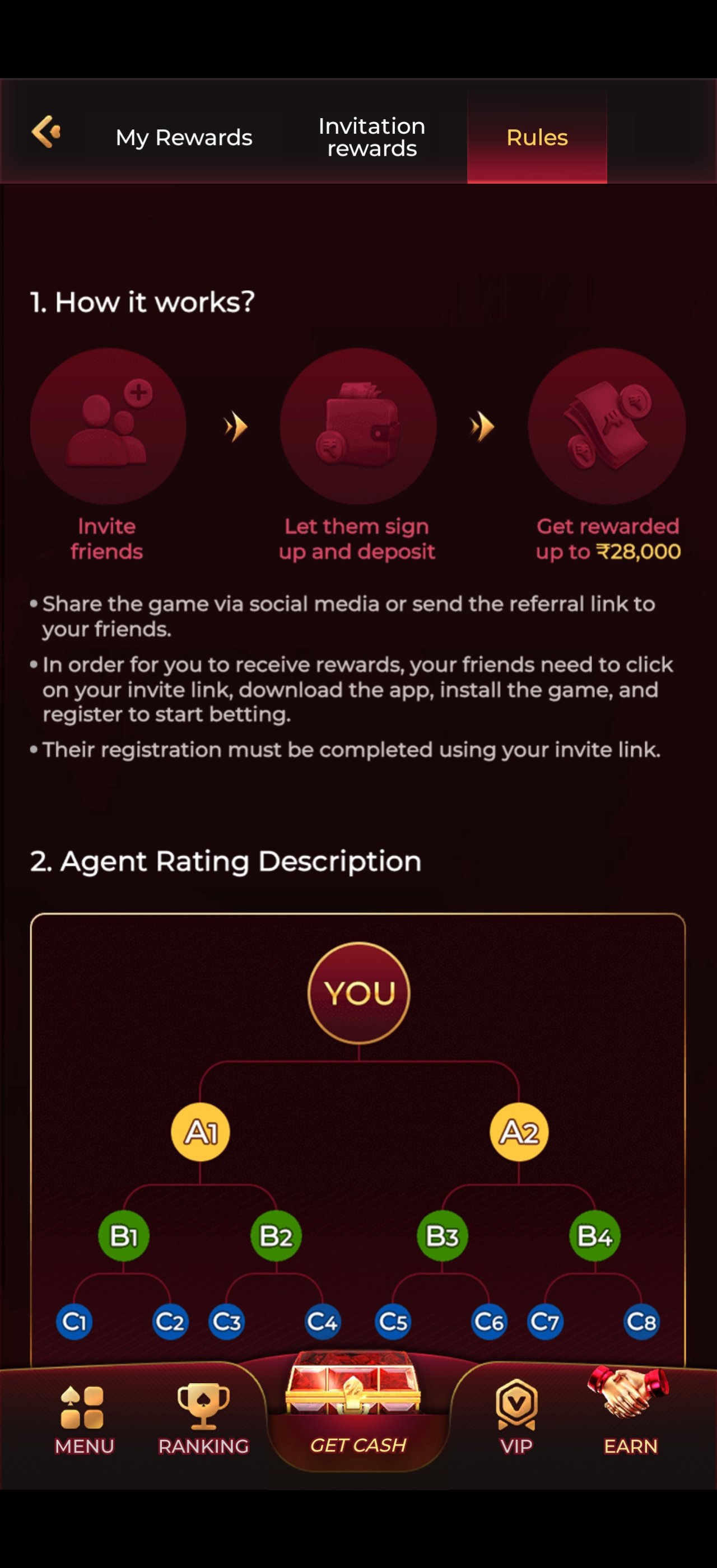
Yes — downloading, installing and creating an account are all free. Money only ever leaves your hands when you choose to deposit into your wallet, and the ₹10,000 welcome match is applied to that first deposit automatically.
Android blocks installs from outside the Play Store until you allow them. Open Settings → Apps → Special access → Install unknown apps, pick the browser you downloaded with, and switch on "Allow from this source". Then run the installer again. If Play Protect shows a warning, choose "Install anyway" — it appears for every app distributed outside the store.
Yes. Open the access link in Safari, tap the Share icon and choose Add to Home Screen. You get a full-screen client that behaves like a native app, with the same wallet, the same games and the same live tables.
About 90 MB installed. Games stream on demand and cache after first play, so a heavy session on live tables uses roughly 60–120 MB of data per hour depending on stream quality. Reel and instant games use a fraction of that.
Not to play, but yes before your first withdrawal. Verification is a one-time upload of a government photo ID matching the name on your account. Doing it early means your first payout clears in minutes rather than waiting on a document review.
The client updates itself in the background. If you are ever prompted manually, use the download button on this site rather than any link sent to you privately — that is the only way to be certain the build is genuine.
Message the VIP support desk on Telegram at @bbxxyyz. Send a screenshot of the error and your registered mobile number — a human replies at any hour, in English or Hindi.
The VIP Support / Help Desk handles install failures, blocked downloads and account setup one-to-one, any hour of the night.
Message supportDaily drops, promo codes and new-game announcements land here first. Public channel — never post account details in it.
Join the channelNinety seconds from download to your first hand. The welcome match is waiting on the other side of your first deposit.
18+ only. Bonus subject to wagering terms — see Terms of Service.